

Using a Visa Gift Card on Amazon Prime Day
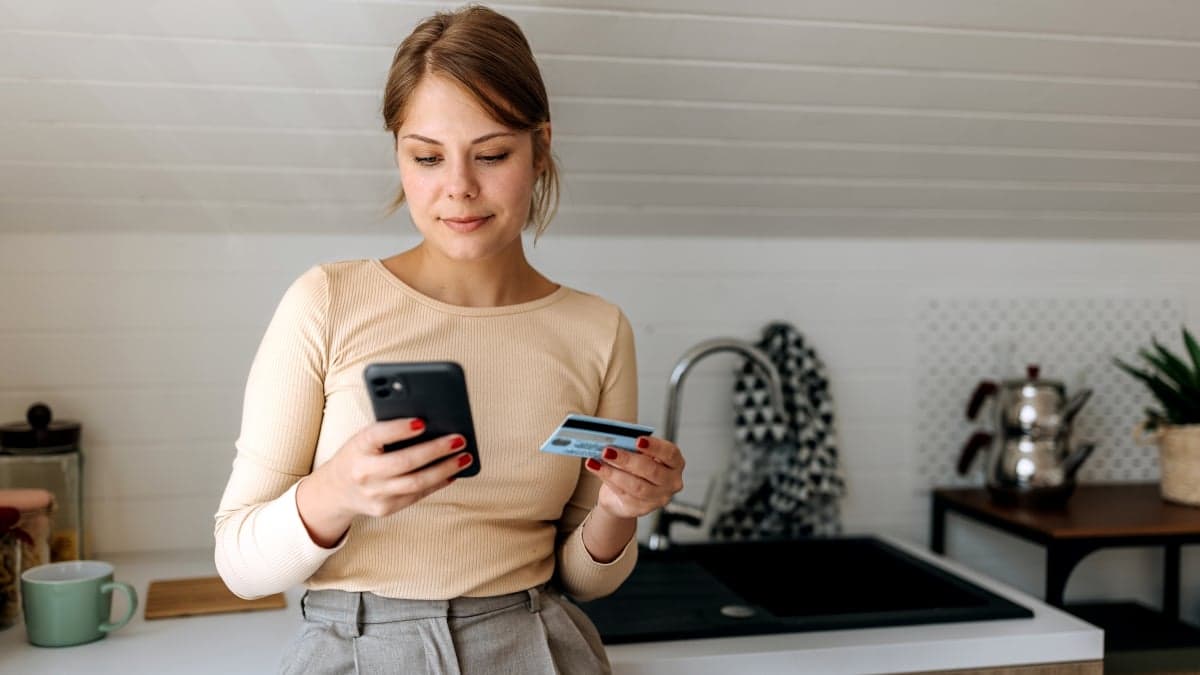
Adding a Visa gift card to Amazon is not straightforward. You can't add it like an Amazon gift card. Instead, you add it like a Visa debit or credit card. If you're not sure, we can help you.
The process is not complicated. Just follow these steps:
Go to Amazon on your phone, tablet, or computer. Find the Account tab. On the app, it's in the person icon at the bottom. On the website, hover over Accounts & Lists and select Account.
Find the Your Payments tab. This will take you to your digital wallet where you can see your payment methods.
Click on Add a payment method. Since the gift card is a Visa, it works like a regular debit or credit card. Add it to the credit or debit cards category.
You will be asked to add the card number and expiration date.
Then, you need to add the Billing Address. You can use your own address or call the customer service number for the card issuer's address.
There are some things to consider when using a Visa gift card on Amazon. Not all gift cards may work. Some may need a CVV to authorize a purchase.
Amazon doesn't allow using multiple cards for one transaction. You can't use two Visa gift cards or use a gift card and another card for one purchase. Keep an eye on your cart total.
You can use the Visa gift card to add funds to an Amazon gift card. This way, you can track the balance. You can add the Visa gift card as a payment method and buy an Amazon gift card with it.
You can then use the Amazon gift card for future purchases. This helps you keep track of the balance.
Learn more about Amazon Prime Day.