

Warning: Scammers Targeting Brits - What You Need to Know
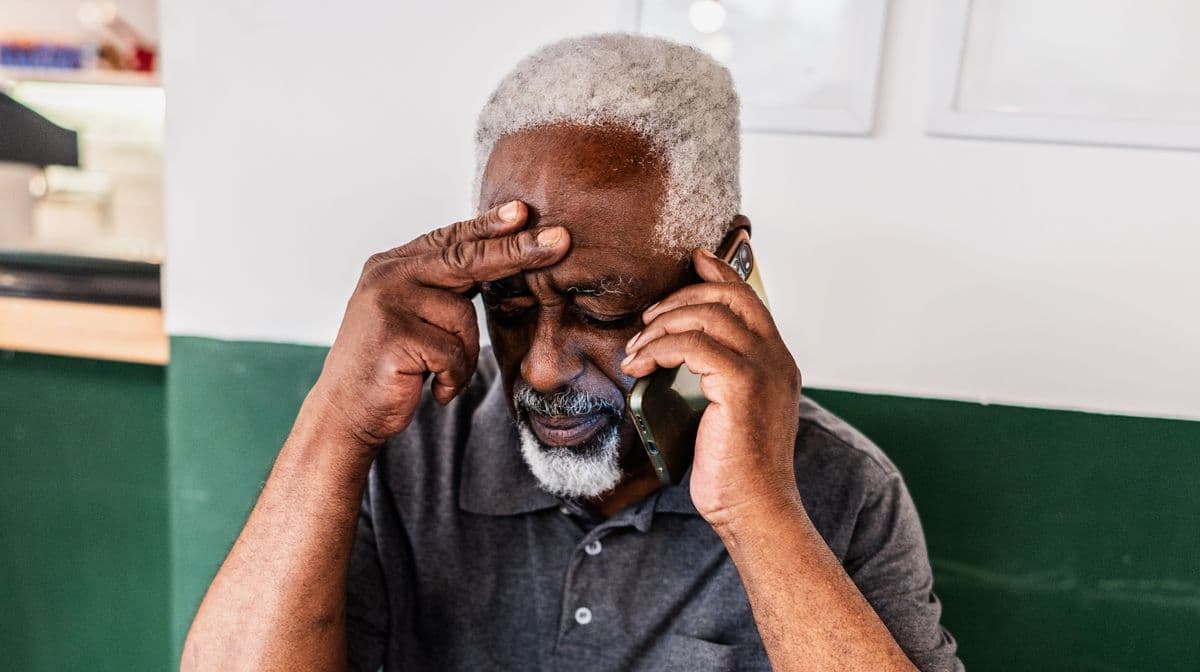
Brits are warned about scams after many people fell victim. Scammers may contact you about a tax refund to get your personal details.
If you're unsure about a message, don't click links or give information. You can report suspected scams.
HMRC posted a warning on social media about scammers claiming tax refunds.
Always think before sharing information or clicking links. If unsure, report it to HMRC.
To check for a tax refund, log into your HMRC account. HMRC has guidance on staying safe online.
Use HMRC's checklist to see if a contact is a scam. It works for calls, emails, and texts.
It could be a scam if HMRC asks for information in a way that seems suspicious.
Look out for other signs of scams.
Scams may involve threats on phone calls.
HMRC will never ask for personal details in a suspicious way.
GOV.UK says HMRC sends texts with links to information or webchat. But be cautious of links offering tax refunds.
Don't open links or reply to texts claiming to be from HMRC that ask for personal details.
To fight phishing scams, send suspicious texts to 60599 or email phishing@hmrc.gov.uk, then delete them.
If you're a scam victim and lost money, report it to Report Fraud.
If you use WhatsApp for UK Government updates, you'll get single message alerts. You can't reply, and HMRC won't use WhatsApp for other reasons.
HMRC uses QR codes in letters. They usually link to GOV.UK guidance.
QR codes won't take you to pages asking for personal information. When logged in, HMRC may use QR codes to redirect you to your bank's page.
If HMRC uses QR codes, you'll see them listed as genuine contacts. Report suspicious emails with QR codes to phishing@hmrc.gov.uk.
HMRC will never ask for gift or payment vouchers.
Report disclosure of personal information to the HMRC security team online.
If you're a scam victim and lost money, report it to Report Fraud online or call 0300 123 2040.
If you live in Scotland, call 101 for help.