

The Best Kindle to Buy in 2026
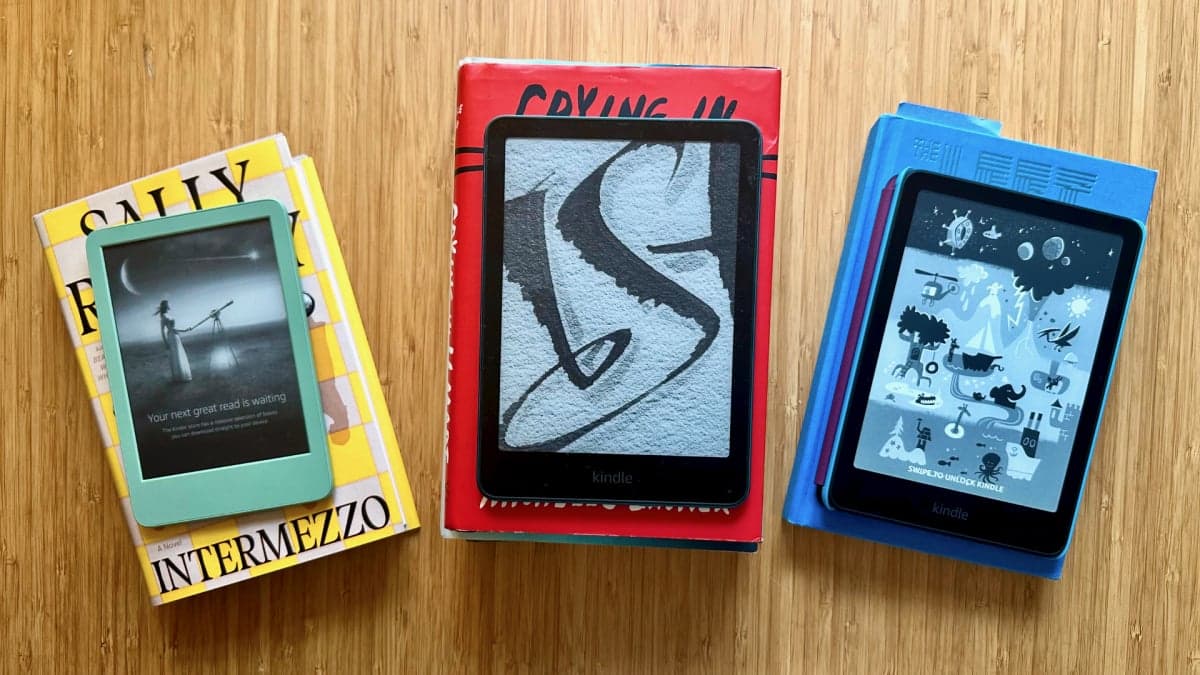
Mashable tests many products and chooses the best ones.
You can do many things with your Kindle. You can read books and use accessories. There are special days to get free books.
I made this guide after testing many Kindles and reading many books.
Topics: Amazon, Books, Gadgets, Kindle
Amazon stopped updating old Kindles. You can still read old books, but you need a computer to add new ones.
Some old Kindles are affected.
The first Kindle is affected.
The second Kindle is affected.
The Kindle DX is affected.
The Kindle DX Graphite is affected.
The Kindle Keyboard is affected.
The Kindle 4 is affected.
The Kindle Touch is affected.
The Kindle 5 is affected.
The first Kindle Paperwhite is affected.
People who own old Kindles are upset. They need to buy a new one. But Amazon still makes great e-readers.
If you want the newest Kindle, you can buy one. There are many models to choose from.
Do you want a waterproof Kindle? If yes, you have a few options. The Kindle Oasis is not available anymore.
What else should you consider when buying a Kindle?
Display size is important. The basic Kindle has a 6-inch screen.
Storage is important. Kindles have 16GB or 32GB of storage.
Battery life is important. New Kindles last up to 12 weeks.
The Kindle Scribe lets you write with a stylus.
New Kindles have good screens and WiFi. You can listen to audiobooks too.
Kindles work well with Libby. You can borrow free books from your library.
If you like page-turning buttons, you might want to try a different e-reader.
You can read free books on your Kindle with Libby. You just need a library card.
You can also find free books on Stuff Your Kindle events.
We have used Kindles a lot and learned how to use them well.
We wrote guides on how to use your Kindle.
We explained how to make the most of your Kindle.
We found the best Kindle accessories.
We told you about Stuff Your Kindle Day.
We explained how to use Libby.
We told you about Kindle Rewards.
We explained Kindle Unlimited.
We found places to get free e-books.
Prime members can get a free book every month.
We explained how to download EPUB files.
We found Kindle features you should use.
We explained how to delete books from your Kindle.
I tested all the new Kindles. I compared them to other e-readers.
I found the waterproof Kindles. I found the ones for kids.
Kindles cost different amounts. I found affordable ones and expensive ones.
I looked at displays, light settings, and page turn buttons.
I checked how easy it is to download books and use the Scribe's stylus.