

Some Cheap TV Boxes Might Be Clicking Ads Without Your Knowledge
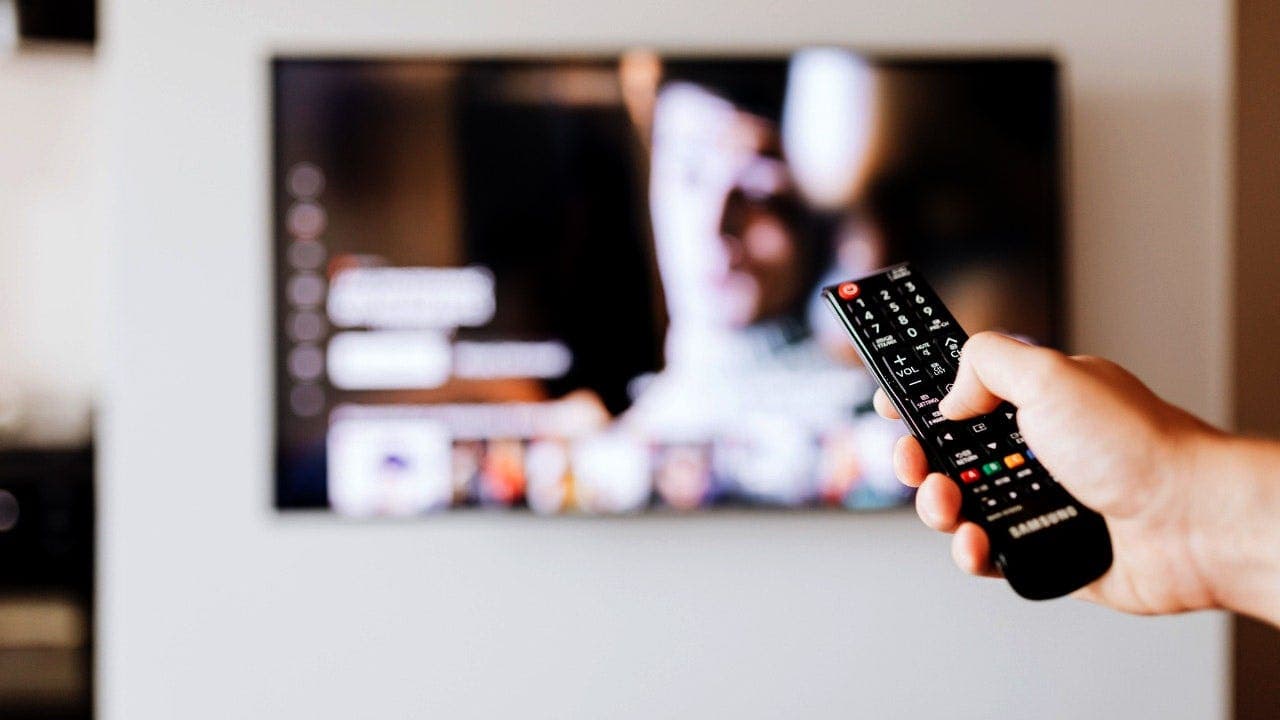
When you use a streaming box, it might be doing something else in the background that you don't know about.
Some cheap Android TV boxes can secretly send traffic through your internet connection and pretend to be smartphones to click ads.
This hidden activity can make money from ads or turn your box into a proxy that lets others use your internet connection.
There was a data breach that put 1 million customers on alert.
You can join a free class to learn how to protect your money from scams and fraud.
The class will cover steps to defend against AI scams, and you'll get a checklist to help you protect your financial information.
You can reserve a spot for the class now.
Researchers found that some cheap Android streaming boxes can click ads and spoof smartphones without the owner's knowledge.
A researcher discovered the operation while studying security risks involving cheap Android TV boxes.
The operation, called Fuyao, collected hardware information and app lists from connected boxes and made them appear as phones from brands like Samsung and Huawei.
The Fuyao apps were found on some Android TV boxes sold under the H96 name, but not all H96 devices are affected.
The findings don't prove that every H96 device has the software, and it's possible that the apps were added by a distributor or reseller.
Google says the infected devices are Android Open Source Project devices, not Android TV OS devices, and don't have security and compatibility test results on record.
You can check if your device is Play Protect certified by opening the Google Play Store and going to Settings > About.
Bitsight has not published a list of affected devices, so you can't confirm if your box is affected based on its brand alone.
To check your device's certification status, find its exact brand and model number and look for it in Google's list of official Android TV OS partners.
If you find warning signs, treat the device cautiously and consider replacing it with a certified one.
The Fuyao software can disguise a TV box as a smartphone and send it to operator-controlled websites with AI-generated content.
The box can view and click ads while appearing to be a mobile user, and researchers found 144 websites tied to the operation.
The operators used computer vision to help the bots locate ads when webpage layouts changed.
Bitsight says the Fuyao operation could generate about $47,500 per day in ad fraud revenue, and a larger fleet could make about $150,000 per day.
Bitsight attributed the operation to Zhejiang Fengwo IoT Technology Co., Ltd., which operates under the Fengwo Group name.
The company's website advertised more than 120,000 'AI digital humans,' which might relate to the automated device network.
CyberGuy reached out to Google, Zhejiang Fengwo IoT Technology, Fengwo Group, and H96 Max for comment, but only Google responded.
You can check if your streaming box is safe by looking for security updates, customer support, and Play Protect certification.
Buy streaming devices from companies that provide security updates and customer support, and be cautious with unfamiliar brands.
Google recommends checking if your device is Play Protect certified, and you can do this by opening the Google Play Store and going to Settings > About.
Play Protect can warn you about or block known malicious apps on certified devices with Google Play Services.
Do not assume the Google Play Store means your device is certified; check the status yourself.
Bitsight researchers found some off-brand Android TV boxes may run hidden software that generates fake ad activity or turns household internet connections into residential proxies.
Do not install apps from unrecognized marketplaces, and stop if setup instructions ask you to disable Google Play Protect.
Unplug the streaming box from your television, disconnect its Wi-Fi or ethernet connection, and review the connected-device list on your router.
Remove devices you don't recognize, change your Wi-Fi password, and use a password manager to create and save a strong, unique password.
A factory reset may not eliminate malicious software built into the original firmware, so replacing the box might be safer.
Connect streaming boxes and other smart devices to a guest or IoT network when your router supports one.
Review your router or internet provider's app for unfamiliar devices and unusual overnight traffic, and use strong antivirus software on devices that support it.
The FBI asks consumers to report suspected compromised devices through the Internet Crime Complaint Center at IC3.gov.
Include the device's brand and model, the seller's information, and any suspicious apps or network activity you observed.
Be careful with bargain streaming boxes that connect to your home Wi-Fi, and check the model number and Play Protect certification before using it.
If you see several warning signs, disconnect the box and consider replacing it with a certified one.
Let us know if you have a low-cost Android TV box at home and what you found when you checked its model and Play Protect certification.
Sign up for the free CyberGuy Report.
Click here to download the Fox News app.
Copyright 2026 CyberGuy.com. All rights reserved.
Jesse Watson is a Fox News Digital production assistant.